Online Marriage & Wedding Invitation Website Maker
Two Souls. One Cinematic Celebration Link.
Elevate your marriage celebration with bespoke digital invitation websites. Wow your guests with animated entrance effects, soulful background melodies, interactive Google Maps directions, and effortless real-time RSVP management.
Why Choose Moinvite for Your Wedding?
Physical paper cards get misplaced and cannot track RSVPs. Moinvite gives you a breathtaking, animated marriage invitation website that your guests can access anytime from their smartphones with 1-tap WhatsApp and GPS directions.
Cinematic Atmosphere
Curated ambient music, traditional shehnai, animated mandap aesthetics, and immersive typography that feels truly royal.
Real-Time RSVP Tracker
Guests confirm attendance, meal preferences, party sizes, and personal blessings with one tap. Live stats on host dashboard.
Google Maps Venue Link
Eliminate lost guests with direct 1-tap GPS directions directly to your ceremony, banquet hall, and reception venues.
1-Tap WhatsApp Sharing
Personalized WhatsApp messages and crisp vector QR codes for effortless distribution to friends, family, and global guests.
Featured Wedding Digital Invitation Suites

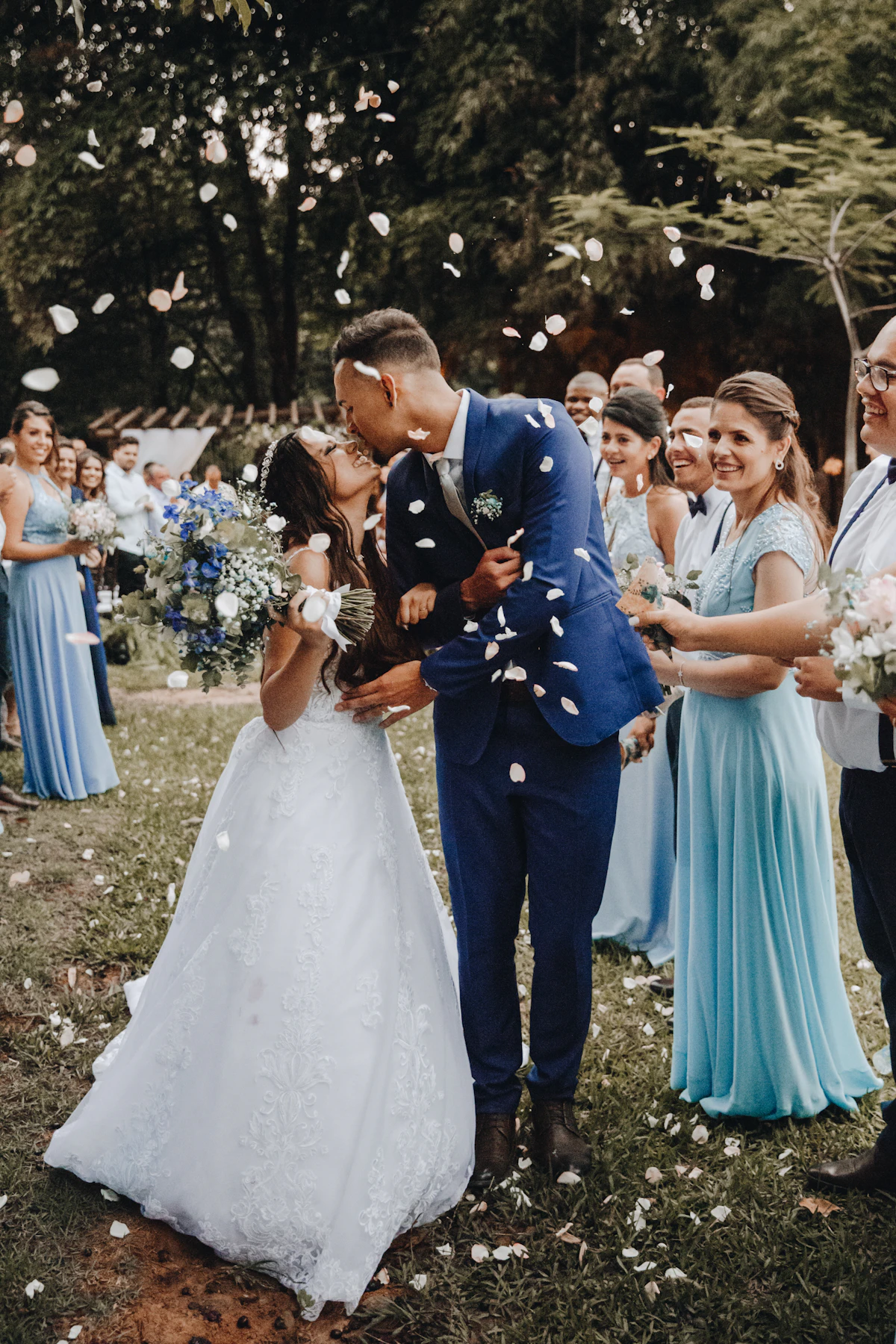
Guide to Online Wedding Invitations
Key facts, sharing mechanics, and features explained for hosts and couples.
What is a digital wedding invitation?
A digital wedding invitation is an interactive, animated mobile webpage designed for modern hosts. Unlike a flat image or PDF, it provides synchronized ambient music, animated visual themes, Google Maps GPS venue directions, and real-time RSVP tracking.
Can I share my invitation on WhatsApp?
Yes. Every Moinvite suite generates an instant 1-tap WhatsApp sharing link with a rich social preview card, personalized host note, and high-resolution downloadable QR code suitable for printing on welcome standees.
How do guests RSVP online?
Guests open your link on any smartphone browser, tap Accept or Decline, specify attending party members, and submit personal blessings. Submissions are instantly organized inside your private Moinvite host dashboard.
Can I edit event details after publishing?
Yes. You can return to your dashboard at any time to modify ceremony schedules, adjust venue pins, or add new memories. Changes update live across all distributed links without needing to re-send cards.
Frequently Asked Questions About Wedding Invitations
Everything you need to know about setting up, personalizing, and sending your online wedding invitations.